
FutureFeed CMMC Education Series · Access Control
Access Control (AC): 3.1.9

The short version
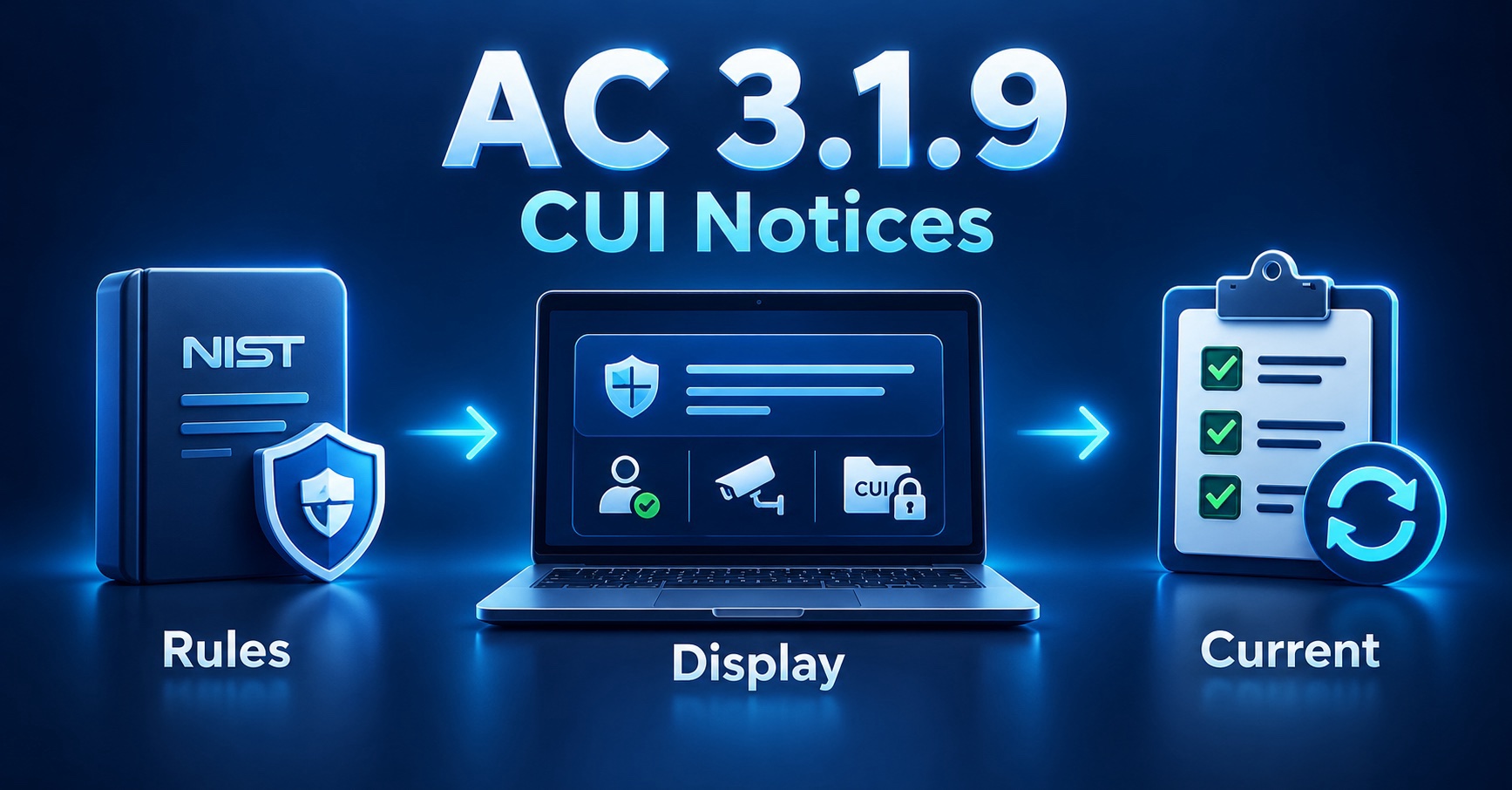
If you’re responsible for CMMC compliance, this requirement is about making sure people receive the privacy and security notices that apply when they access systems handling Controlled Unclassified Information (CUI). Five steps get you there:
- Identify the CUI privacy and security rules that apply to you
- Determine what notices people need to receive
- Identify where and how those notices should be presented
- Implement them through appropriate mechanisms, such as system-use banners or other applicable notifications
- Confirm the notices display as intended, and keep them current as rules and systems change
Those five answer the two questions this requirement turns on: are the notices the CUI rules require identified and tied to the CUI you handle, and are they displayed.
If you already have those things in place, you’re well on your way. Now let’s look at what each one actually means.
In plain English
A privacy and security notice communicates the conditions under which a system may be used, telling the people using it what they are accessing and what expectations apply.
The wording depends on the CUI rules that apply to you and on your own policies. A notice may say that access is restricted to authorized users, that activity may be monitored, or that information must be handled according to applicable requirements. NIST does not script it for you. Rev 2 says organizations consult the Office of General Counsel for legal review and approval of banner content, which is government phrasing: for a contractor it means appropriate legal review, whether that comes from in-house counsel, outside counsel, or whoever owns legal risk for the business.
The notice communicates expectations. Your technical controls, policies, and training put them into practice. It is not a substitute for access control, for CUI training, or for the protections themselves.
The familiar mechanism is a banner shown before someone logs in, which is how Rev 2 describes system use notifications. Showing it before access is worth doing wherever the system supports that: once someone is inside, the moment has passed. What the requirement asks is that the right notice reaches people at a meaningful point of access, through whatever mechanism fits.
Rev 2 is specific about scope: system use notifications are used only for access via logon interfaces with human users, and are not required when such human interfaces do not exist. Where there is no interactive interface, decide from how the system is accessed and which CUI rules govern it whether another notice applies. If one does, it comes from those other obligations rather than from the system use notification this requirement describes. Rev 2 also says organizations consider, based on a risk assessment, a secondary notification for applications reached after the initial logon. That is a risk-based decision rather than a universal requirement, and some environments will conclude they do not need one. Printed materials may stand in where an automated banner is impractical.
Make sure the right notice reaches people at the point of access. That’s the whole idea.
When an employee signs into a system that handles CUI, a banner appears first: authorized use, activity may be monitored, and CUI must be protected under the applicable rules. They acknowledge it and continue. For one sensitive application, your risk assessment led you to add a second notice when it opens. A system that only talks machine-to-machine has no logon interface for a banner, so you decide, from how it is accessed and which rules govern it, whether any notice applies.
How to implement it
Here is the order I would work through it in a real environment:
Identify the applicable rules.
Determine which CUI privacy and security requirements apply to your systems.
Determine the notice content.
Establish the authorized-use, monitoring, privacy, and handling statements they call for.
Review and approve the language.
Coordinate with security, compliance, legal, and system owners.
Identify where notices belong.
Workstations, remote access, applications: decide which need them.
Implement the notices.
Use operating-system policies, identity-platform settings, application settings, or another mechanism.
Validate the implementation.
Confirm they display correctly at the intended points of access.
Maintain them.
Revisit content and deployment when systems, policies, or requirements change.
The configuration is usually straightforward. The work is deciding what the notices have to say, getting that language approved, and keeping it current as rules and systems change.
A new stop every Tuesday and Thursday.
Our twice-weekly series breaking CMMC down one step at a time. Opt in and we’ll send each one to your inbox.
What to document and maintain
A sustainable implementation has three pieces: people who own the language and its deployment, technology that presents it where people access systems, and documentation recording what was approved and where.
People
- Who owns the notice content, and who approves changes to it
- Who deploys the notices to systems and access interfaces
- Who verifies they are displaying as intended
Tools
- Operating-system logon notifications and identity or access interfaces (for many contractors, a Group Policy or Entra setting)
- Application notices, and any other mechanism that fits the environment
- Somewhere the approved language is stored and version-controlled
Documents
- The approved notice language, and the policies behind it
- Configuration standards for how notices are presented
- Deployment locations, including any printed-notice locations
- An SSP description of how notices are provided
Two things keep this working: the notices say what the rules require, and people actually receive them.
When should I work on this
Start once you know which CUI rules apply to your contracts, because those rules drive the wording. Draft the language, get it reviewed and approved, then deploy it to the interfaces people use. Approval takes longer than configuration, so begin the review early rather than treating this as a setting to flip at the end.
Common challenges
People receive no notice at all.
Why it happens: It feels minor, so it never gets added, and people reach the system with nothing told to them.
Recommendation: Deploy the approved notice through your identity or operating-system policy, so it reaches people at the interfaces they actually use.
The notice is generic and ignores the applicable rules.
Why it happens: A default “authorized use only” message gets used without reflecting the CUI rules that apply.
Recommendation: Write the notice to match the applicable CUI rules, and have it reviewed and approved before it goes out.
Only the main logon shows it.
Why it happens: The primary logon has a notice, but remote access or a sensitive application does not, even when the risk assessment said it should.
Recommendation: Extend the notice to remote-access logons and to the interfaces your risk assessment flags.
What good looks like
An employee reaches a system and receives the notice for that environment, stating the authorized-use and monitoring conditions the organization established, and proceeds knowing what applies. When a new access method arrives, or the rules change, the team checks whether the notices still fit.
An organization doing this well can usually answer yes to all of these:
For 3.1.9
- Are the notices consistent with the CUI rules that apply to you?
- Are people receiving them through the access mechanisms you intended?
Good supporting practice
- Has someone been made responsible for the notice language?
- Are the notices reviewed when applicable rules or systems change?
If any answer is no, that’s your next place to start.
Displaying a banner is not the same as satisfying this requirement. One that appears everywhere but carries outdated or incomplete language may not match the rules that apply, and “consistent with applicable CUI rules” is doing real work there. The reverse trap is as common: text approved in a policy does not mean anyone is receiving it. Two questions, then: does the notice say the right thing, and is it being presented?
How this connects to other controls
This requirement communicates; others enforce. Keeping that line clear is the useful part:
- Awareness & Training (3.2): training teaches people their responsibilities; the notice reinforces them at the point of access.
- Access Control (3.1): those requirements decide who can reach a system; the notice states the conditions that apply once they do.
- Audit & Accountability (3.3): if the notice says activity may be monitored, that should match what your logging does.
- CUI handling policies: your CUI marking, storage, and sharing policies are where much of the content comes from, so settle those before the wording.
The requirement, word for word
The exact language, from the source:
Provide privacy and security notices consistent with applicable CUI rules.
Every organization implements these controls a little differently. If you’re not sure whether your approach actually satisfies the requirement, join one of our upcoming webinars or schedule a 15 Minutes with FutureFeed session. We’d rather help you work through the question now than discover a gap later.
Sources
- NIST SP 800-171 Rev 2, Access Control (3.1)
- Related requirements: see also 3.2.1 (security awareness), 3.1.1 (limit system access), and 3.3.1 (audit logging) within NIST SP 800-171 Rev 2.

