
FutureFeed CMMC Education Series · Access Control
Access Control (AC): 3.1.10

The short version
If you’re responsible for CMMC compliance, this requirement protects unattended sessions. When someone stops interacting with a system for a defined period, the session locks on its own and conceals what was displayed. Five steps get you there:
- Identify the interactive sessions people use to reach Controlled Unclassified Information (CUI)
- Establish the inactivity period that triggers an automatic session lock
- Configure a pattern-hiding display that prevents viewing of the previous session content
- Confirm people must authenticate to regain access
- Validate that the protection works across applicable systems, including remote and virtual sessions
Three of those come straight from the requirement: a defined period of inactivity, a lock that prevents access and viewing once the period passes, and a pattern-hiding display that conceals what was previously visible. The first and the last are what make those three hold across the systems people actually use.
If you already have those things in place, you’re well on your way. Now let’s look at what each one actually means.
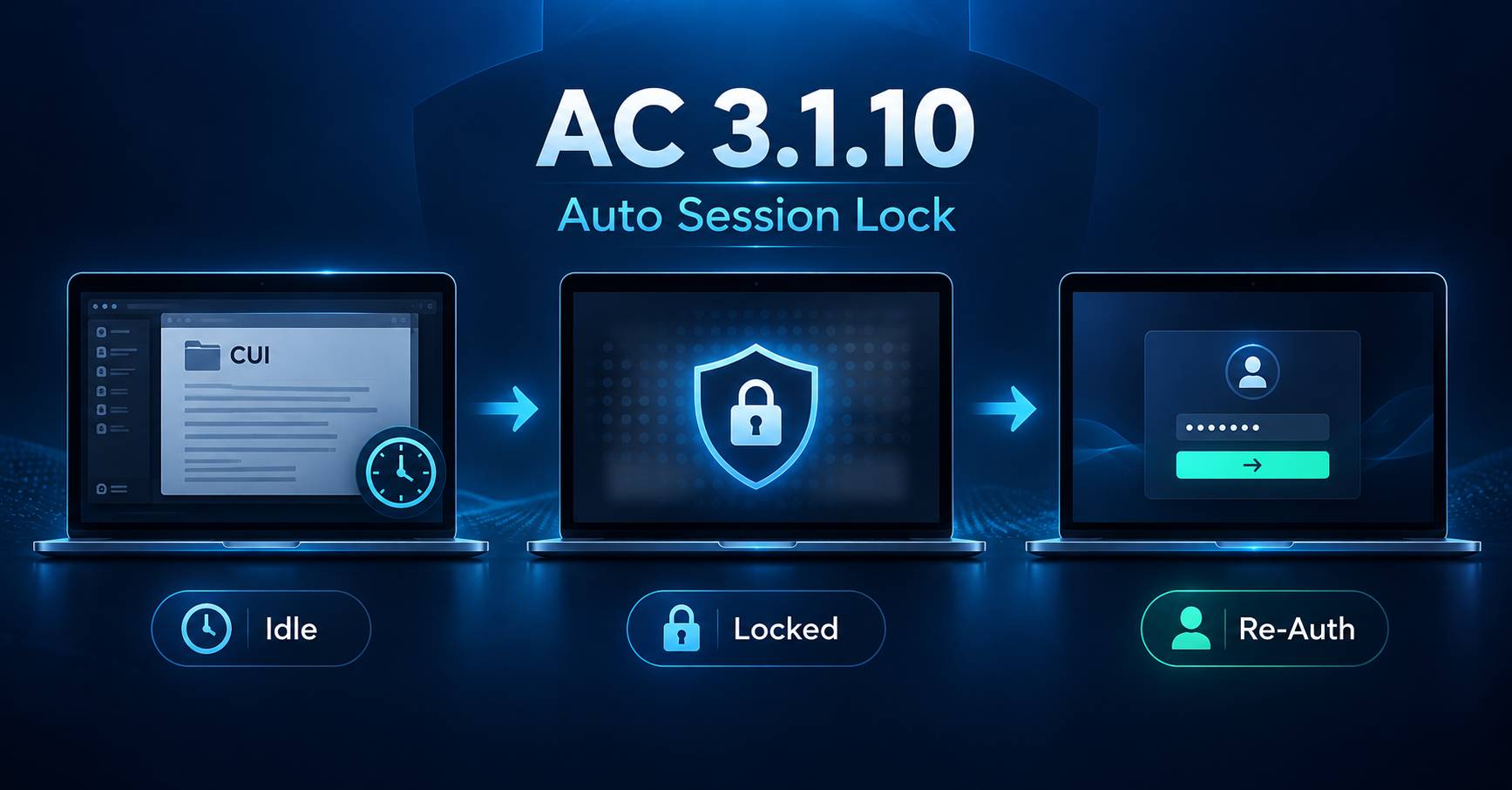
In plain English
A session lock temporarily prevents access to an active session without ending it. The person’s work stays open, but nobody else can continue using the session without completing the unlock process. Rev 2 describes it as a temporary action for when someone steps away but does not want to log out, and says plainly that a session lock is not an acceptable substitute for logging out.
The pattern-hiding display addresses a second concern: whatever was on screen before the lock should no longer be readable. Rev 2 says these can include static or dynamic images, screen-saver patterns, photographs, solid colors, a clock, a battery indicator, or a blank screen, with one caveat worth remembering: none of the images may convey CUI.
Sessions are not only the screen in front of someone. A person may reach CUI through a workstation, a remote desktop, a virtual desktop, or another interactive environment. Rev 2 says locks are implemented where session activities can be determined, typically at the operating system level but also at the application level, which is a useful hint about where to go looking. Depending on configuration, the local endpoint may lock while the remote session stays active, or the remote environment may carry its own inactivity settings. Work out which control protects each accessible session, and verify that it does.
Three related actions get confused, and the difference matters:
- Session lock. Prevents access to the active session until the user unlocks it. The session itself continues.
- Session disconnect. Ends the connection, though the underlying session may remain active behind it.
- Session termination. Ends the session under defined conditions, which is the subject of 3.1.11.
Disconnecting a remote session does not by itself establish that the underlying session is locked or terminated. That depends on the technology and the configuration.
NIST does not set the inactivity period. You establish one appropriate to the environment, and different environments can justify different values: a shared workstation in a busy area is not the same problem as a machine in a controlled workspace. What matters is that the period is defined, implemented, and suited to where the system sits.
Step away, and the session locks itself and hides what was on it. That’s the whole idea.
An engineer is reviewing a CUI drawing and gets pulled into a hallway conversation. After a few minutes of no activity, the screen switches to a lock screen showing a plain company image, no drawing, nothing readable. To get back in, the engineer re-enters their password. Anyone who wanders past the desk sees nothing useful. At the end of the day they still log out, because the lock is for short absences, not a replacement for logging off.
A second case is worth walking through. An employee reaches CUI through a remote or virtual desktop, then steps away with that session still running. The laptop in front of them may lock on its own while the remote session keeps going, untouched, on the other end. Whether it is protected depends on the settings in the remote environment, not on the endpoint. That is a case to test rather than assume.
How to implement it
Here is the order I would work through it in a real environment:
Identify the applicable interactive sessions.
Workstations, remote desktops, virtual desktops, and other user sessions inside your system boundary.
Establish inactivity periods.
Select periods that fit the environment and how people actually work.
Configure automatic session locking.
Use operating-system policy, device management, or the session-management capability of the platform.
Configure pattern-hiding displays.
Make sure information visible before the lock cannot be read afterward.
Require authentication to unlock.
Confirm that someone who did not start the session cannot simply resume it.
Test the access methods.
Verify behavior for local, remote, and virtual sessions, including cases where more than one session layer is involved.
Maintain the configuration.
Revalidate when devices, applications, or remote-access technologies change.
Encourage people to lock their sessions by hand whenever they step away. That habit is worth having, and it is supporting practice: it does not replace the automatic lock, which is what the requirement asks for.
A new stop every Tuesday and Thursday.
Our twice-weekly series breaking CMMC down one step at a time. Opt in and we’ll send each one to your inbox.
What to document and maintain
A sustainable implementation has three pieces: people who set and maintain the requirement and know when to lock by hand, technology that enforces the lock across the sessions in scope, and documentation that records what was decided.
People
- Security, who establishes the session-lock requirement and the inactivity period
- IT, who configures and maintains it across systems and session types
- Users, who understand when to lock a session themselves
Tools
- Operating-system policies and endpoint management (for many contractors, Group Policy or Intune)
- Remote desktop and virtual desktop session settings, and application-level locks
- Lock-screen configuration, including what the locked display shows
Documents
- A session-lock policy with the approved inactivity periods
- Configuration standards for each session type, and any exceptions
- An SSP description of how the requirement is implemented
The control works when the lock is automatic, conceals what was displayed, and reaches every session type people use for CUI.
When should I work on this
Do this alongside your other endpoint and access settings. Device management pushes a lock timeout in a single setting, which makes the endpoint part quick. The part that takes longer is the inventory: knowing which session types people use for CUI, and confirming that remote and virtual sessions lock as intended rather than assuming the endpoint policy reached them.
Common challenges
Locking is left up to the user.
Why it happens: The plan is “everyone locks their screen when they leave,” but people forget, so sessions sit open.
Recommendation: Enforce an automatic lock after inactivity through policy, so the protection does not depend on habit. Keep encouraging the manual lock as well.
The timeout is set poorly.
Why it happens: An hours-long period leaves CUI exposed; a 30-second one annoys people until someone turns it off.
Recommendation: Set a period appropriate to the environment, and expect a shared workstation in a busy area to warrant something different from a machine in a controlled workspace.
The locked display still reveals information.
Why it happens: The lock triggers, but the display still carries message previews, file names, or meeting notifications that reveal what the lock was meant to conceal.
Recommendation: Use a pattern-hiding display, then look at the locked screen and read what is actually on it. Turn off previews that reveal CUI.
What good looks like
An employee is reviewing CUI and steps away without locking anything. After the defined period of inactivity the session locks on its own, the information that was on screen is concealed, and someone walking up to the desk can neither read it nor use the session. When the employee returns, they complete the unlock process and pick up where they left off. The organization has also checked that its remote and virtual sessions behave the same way.
An organization doing this well can usually answer yes to all of these:
For 3.1.10
- Does inactivity trigger a session lock, without relying on the user?
- Is previously displayed information concealed, with no CUI visible on the locked display?
- Is access prevented until the session is unlocked?
Good supporting practice
- Do people lock their sessions by hand when they step away, and are notification previews controlled?
- Are remote and virtual session configurations reviewed as the environment changes?
If any answer is no, that’s your next place to start.
A session lock is not the same as logging out. Rev 2 says so directly, and it is meant for short absences rather than a substitute for a logout requirement. The pattern-hiding half matters just as much: the display has to actually conceal what was there, and Rev 2 adds that none of the images may convey CUI. A locked screen showing message previews, file names, or meeting notifications can undo the protection while looking perfectly configured.
How this connects to other controls
This control doesn’t stand alone. A few close relationships:
- Terminate sessions (3.1.11): that requirement ends a session under defined conditions. This one suspends access without ending anything, and a disconnect sits between them: the connection drops while the session may still be alive.
- Limit system access (3.1.1): an unattended, unlocked session is an open door, and this closes it.
- Physical Protection (3.10): keeping CUI off an unattended session overlaps with keeping people from viewing it in your facility.
The requirement, word for word
For your reference, here’s the exact language so you’re working from the source and not a paraphrase:
Use session lock with pattern-hiding displays to prevent access and viewing of data after a period of inactivity.
Every organization implements these controls a little differently. If you’re not sure whether your approach actually satisfies the requirement, join one of our upcoming webinars or schedule a 15 Minutes with FutureFeed session. We’d rather help you work through the question now than discover a gap later.
Sources
- NIST SP 800-171 Rev 2, Access Control (3.1)
- Related requirements: see also 3.1.11 (terminate sessions), 3.1.1 (limit system access), and 3.10.1 (limit physical access) within NIST SP 800-171 Rev 2.

